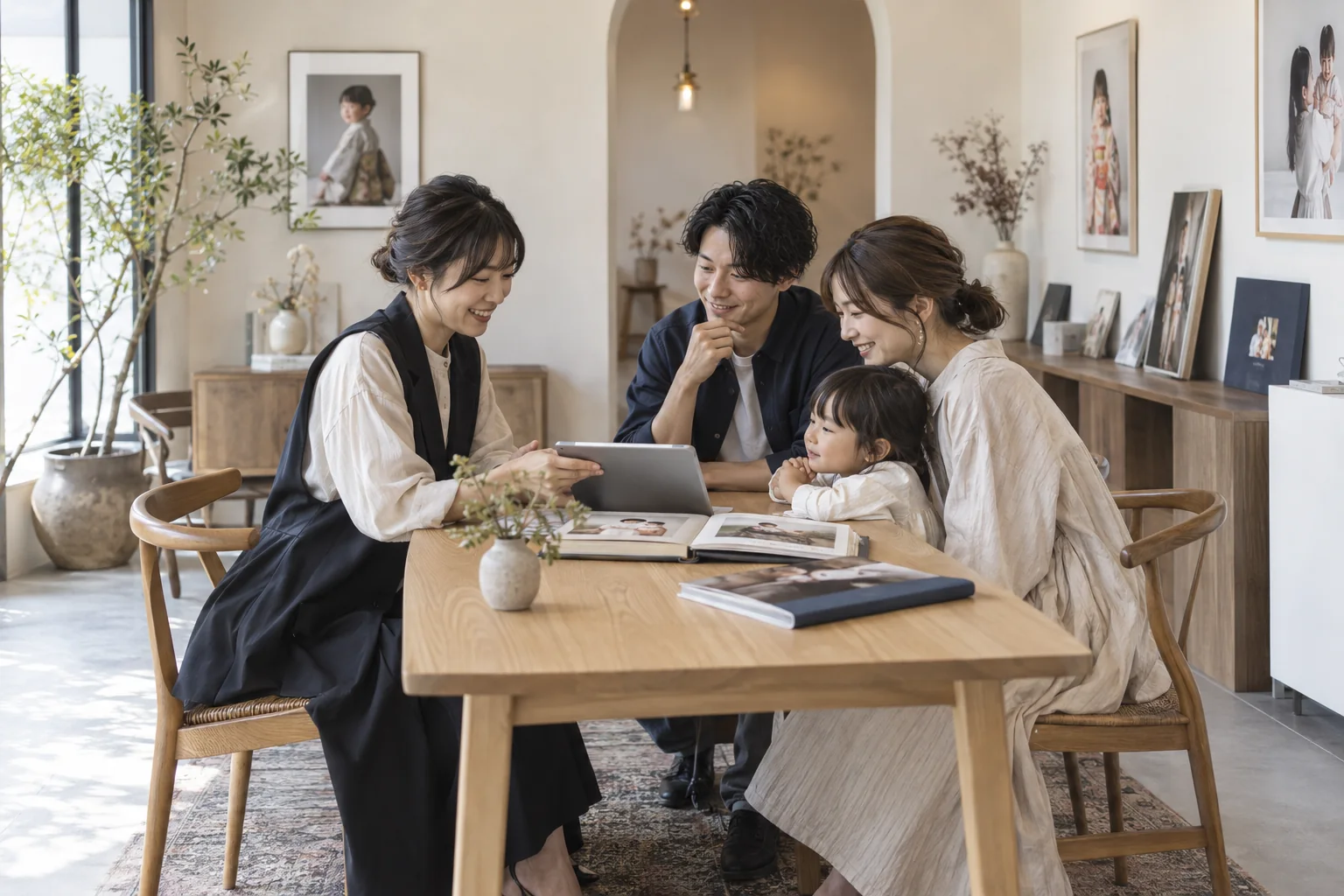
Help customers choose.
Keep each outfit available.
Connect a customer wardrobe gallery with individual garments, bundled accessories and maintenance after return. Manage rental orders and a dedicated calendar using the same inventory as photo bookings.
A Shichi-Go-San kimono, a dress, an obi or a shared accessory needs a clear presentation and a reliable reservation period. Kimono Rental brings inventory, rental orders and a rental calendar into a dedicated studio menu, with physical stock shared across photography and rental use.
01
Register physical garments and accessories
Add stock references, photos, Japanese descriptions, sizes, bundled accessories and maintenance days. Choose which outfits to publish.
02
Reserve for the purpose and dates
Secure garments and accessories with a provisional hold or confirmed reservation for a shoot, rental, or combined use.
03
Review rental and return plans
See customers, garments, accessories and post-return maintenance in the rental calendar, then open the order to update its details.
01
Find the right outfit through its details.
Let customers browse the wardrobe by appearance, occasion and size.
Author garment names and descriptions in Japanese and add English, simplified Chinese, traditional Chinese, Korean and German. Edit shared gallery wording through translation management.
02
One inventory for each physical piece.
Check physical garments and accessories across both photo sessions and rentals.
Link obis, gloves and accessories to garments so their stock is secured with the outfit. Shared pieces have their own occupancy and maintenance periods.
Reject reservations whose use or maintenance periods overlap for the same piece. Concurrent bookings check the shared garments and accessories across shooting and rental use.
Set post-return maintenance days for each garment and accessory. Occupancy includes the return date and the complete buffer before the next reservation.
Manage rental-only and combined orders in their own list. Administrators can record a customer name and use period for a rental without a photo booking.
View rental use and post-return maintenance across a month. Select a day or filter an item to review customers, accessories and status, then open the order.
Carry a gallery selection into a photo booking and recheck the shoot date. Staff booking details and the customer’s private management page show assigned garments and accessories.
Provisional holds secure inventory too. Recording a rental return retains the maintenance period, while cancelling the rental order releases its occupancy.
Record whether beauty staff are unnecessary, not yet requested, requested, awaiting reply or confirmed, with a name and contact notes. The studio handles the actual communication.
Store unique stock references and optional barcode values for search. Keyboard-input scanners can use the existing fields, providing identifiers for future scanning integration.
QUESTIONS, ANSWERED.
A few things
to know before you start.
Can the studio manage rentals without a photo session?
Yes. Administrators can create a rental order with the customer name and use period. Rental-only orders are managed independently from photo appointments while checking the same physical inventory.
Can an obi or accessory be shared between outfits?
Yes. Register each physical accessory and link it to its garments. Reserving a garment also secures its bundled accessories, so another outfit using the same piece is checked for conflicts. Private bundled accessories also count toward availability.
Must the next reservation start the day after return?
Set maintenance days separately for each garment and accessory. The return day is occupied too. For a return on 10 October with one maintenance day, 11 October stays blocked and the next reservation can start on 12 October.
Is every outfit published on the website?
Each item has a publication switch, and new items start private. Administrators can still assign private stock. The customer gallery displays active, published items.
Can staff read a barcode?
Store and search barcode values. USB readers that work as keyboard input can enter them in the barcode or search field. Camera-based scanning is currently unavailable.
Are garment photos and descriptions supplied automatically?
The studio registers photos, stock references, descriptions, sizes and accessory links. Japanese is the original language, with English and other supported translations added through the editor. AI translation requires a configured provider connection.