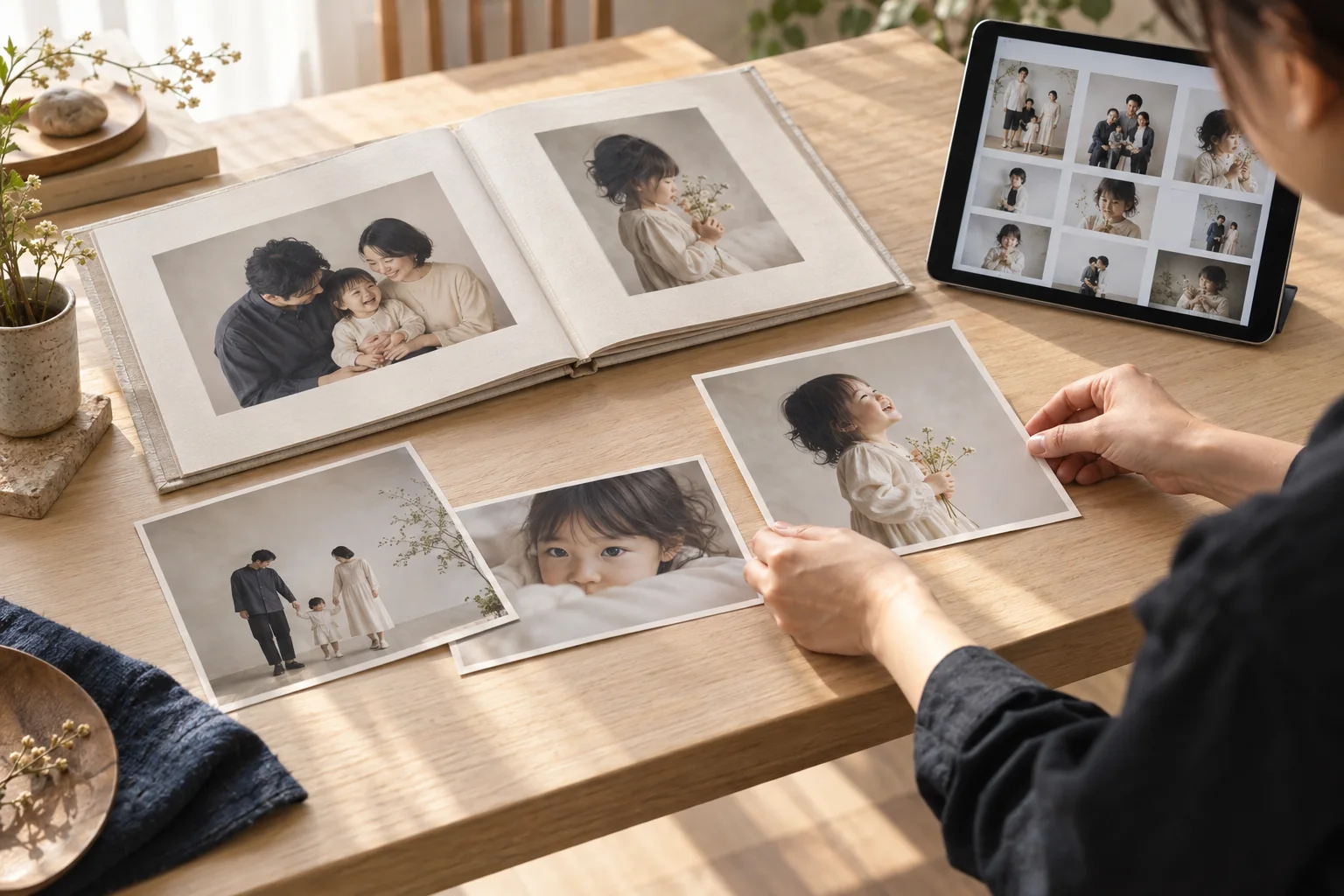
Deliver photographs through a booking-linked gallery with password access, image selection and downloads, keeping the handover connected to the session.
Give customers a clear place to view and receive their photographs. Each delivery is linked to its booking and customer so the studio can keep the handover organised. The current workflow optimizes images to WebP with a maximum dimension of 2,400 pixels; use a separate workflow for original files and print masters.
01
Prepare the delivery
Create a delivery linked to the booking, with a title and password.
02
Upload and share
Upload the photographs, review the gallery and share its private URL.
03
Let the customer choose
The customer enters the password and downloads selected images or the complete set.
01
Prepare the handover from a booking.
Keep photographs associated with the right customer and session.
Select photographs you have permission to publish and copy them into the public media library. The original delivery retains its password and expiry controls.
Only publish photographs within the permission you have obtained from the customer.
See how often the authenticated image list has been loaded. This is not a count of completed downloads or proof of receipt.
QUESTIONS, ANSWERED.
A few things
to know before you start.
Are the original image files delivered?
The current delivery workflow produces WebP images up to 2,400 pixels on the longest side. Use a separate handover and storage method for RAW files, original-size JPEGs and print masters.
Does the customer need to create an account?
No. Customers use a delivery-specific URL and password. It is a private page for that delivery, rather than an account portal listing all their bookings.
Are delivery photographs published automatically?
No. An administrator selects photographs with customer permission and copies them into the public media library. The original delivery page keeps its access controls.