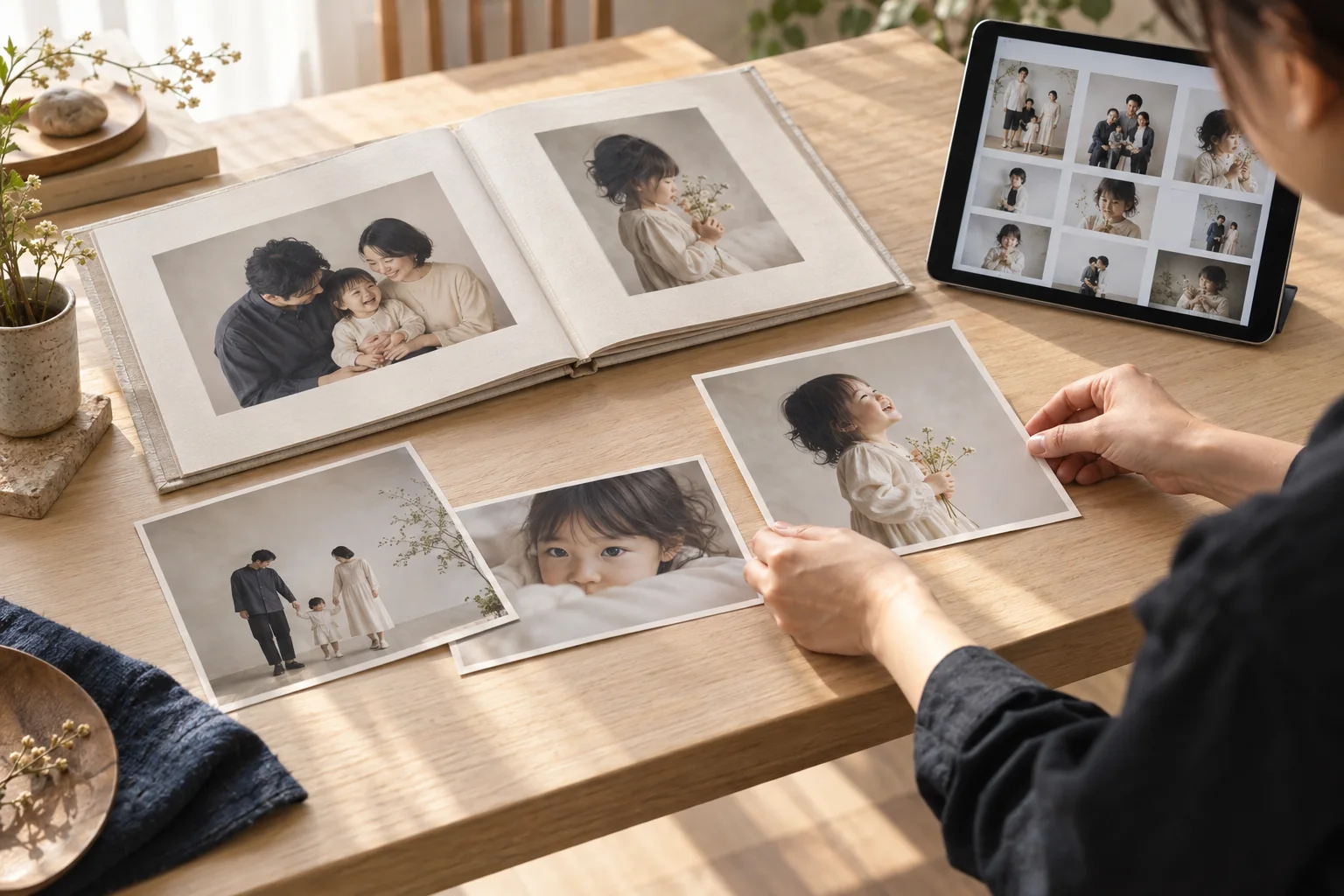
Galleries, articles and website content management
Give your photographs and stories
a place to be seen.
Manage portfolio albums, blog articles and local information pages. Upload photographs, edit language versions and control draft and published content from your dashboard.
Share new portfolio work, explain a seasonal session or put frequently requested information on a page. Use galleries, articles and landing pages for the different kinds of content your customers need.
01
Prepare your photographs and message
Gather photographs cleared for publication and useful session information.
02
Choose the right content format
Use albums for portfolio work, articles for advice and local pages for area information.
03
Review, publish and maintain
Check images, wording, languages and links, then maintain the content in your dashboard.
01
Present your work in portfolio albums
Connect photographs with the sessions customers are considering.
Manage language-specific content and publish the versions that are ready.
QUESTIONS, ANSWERED.
A few things
to know before you start.
Are public galleries the same as customer photo delivery?
Public galleries display portfolio work to prospective customers. Individual customer deliveries use a separate password-protected delivery page.
Does setting an article date schedule publication?
The current controls manage recorded publication dates and published state. They are not advertised as a scheduler that automatically publishes at a chosen time.
What should I check before publishing images or text?
Your studio should check publication rights and customer consent. File formats, upload size and storage capacity also have limits.