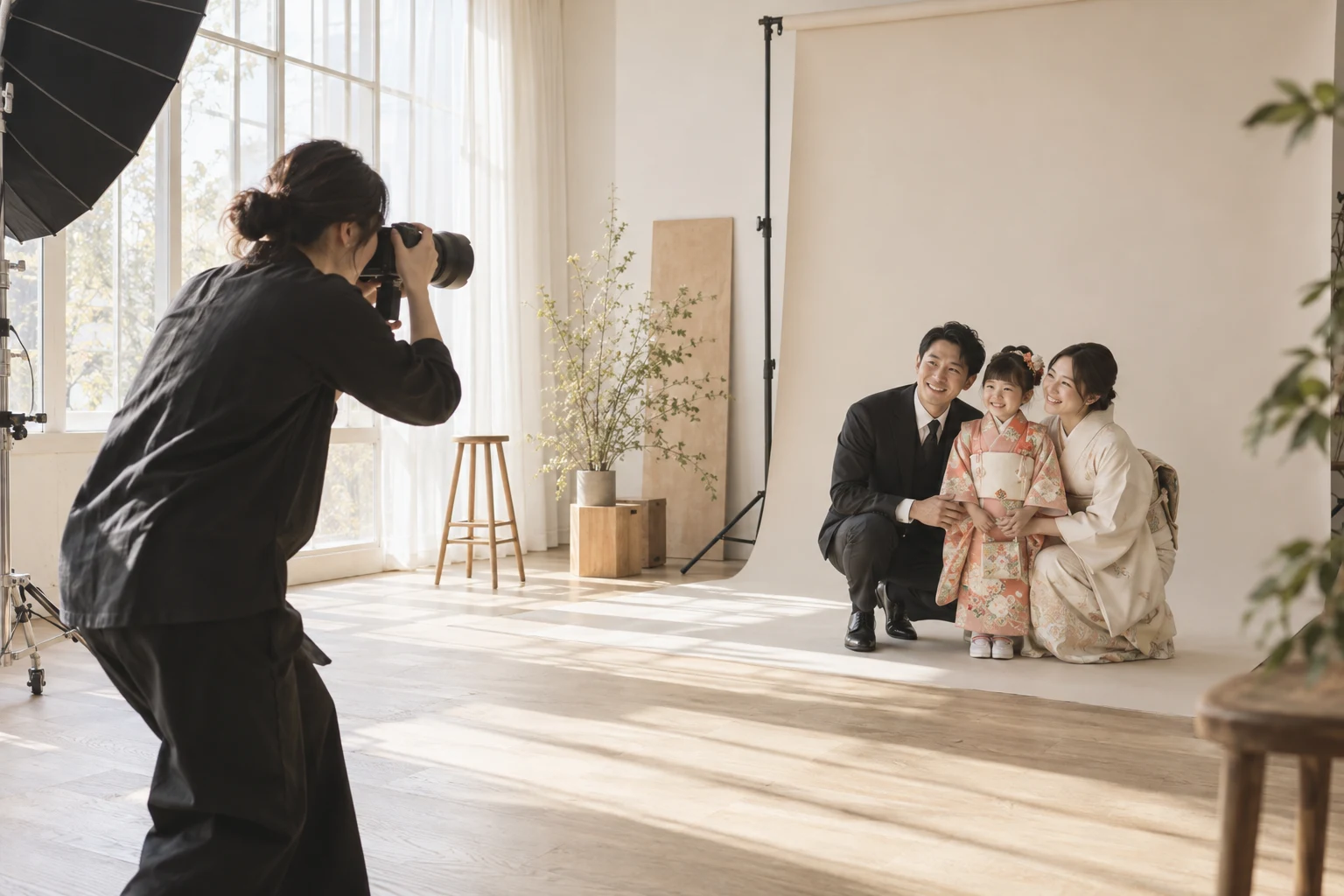
Your photographs. Your studio.
A website you can make your own.
Bring session plans, galleries, studio information, articles and booking together. Update your photography website from the same place you manage the studio.
A first-time visitor needs to understand your photography, your prices and how to book. Tsumira Foto builds that journey around your studio information, with a website you can maintain as your sessions and portfolio evolve.
01
Add your studio details
Set your name, introduction, images, location and contact details.
02
Prepare sessions and photographs
Add your photography packages, prices, galleries and useful information.
03
Review and publish
Check your content and booking journey, publish, and continue updating from your dashboard.
01
One update for public pages and bookings.
Reduce duplicate entry between your website and studio operations.
Public pages and booking screens use package names, prices and durations from admin. Configure publication and available slots before accepting bookings.
Name, description, location and hero image form the site. Profile changes run through a configuration job. Studios prepare photos and copy and verify what is published.
02
Give your studio a clear identity
Prepare the name, photographs, location and contact details people need before they enquire.
Prepare your profile and required settings before publishing, then check the studio’s publication state in your dashboard.
QUESTIONS, ANSWERED.
A few things
to know before you start.
Do I need to request every website update?
You can edit sessions, galleries and articles in the dashboard. Setup support is available for getting started and planning an existing-site migration.
Can I use my own domain?
New studios start on their own subdomain. Custom domains and existing-site migrations are planned with support after reviewing your current URLs and domain setup.
Is this a free-form drag-and-drop website builder?
You manage photographs, session plans and text within layouts designed for photo studios. It is not a free-form layout editor or a promise to reproduce every existing design.