Building the next chapter for photo studios in Japan. Join the pilot.Join for free
06 — Postal invitations & address labels for photo studios

Their next milestone. A letter with their name on it.
Select birthday and Shichi-Go-San recipients from your family records, create A4 address-label PDFs and record postal dispatch. Bring the preparation of personal family invitations into one studio workflow.

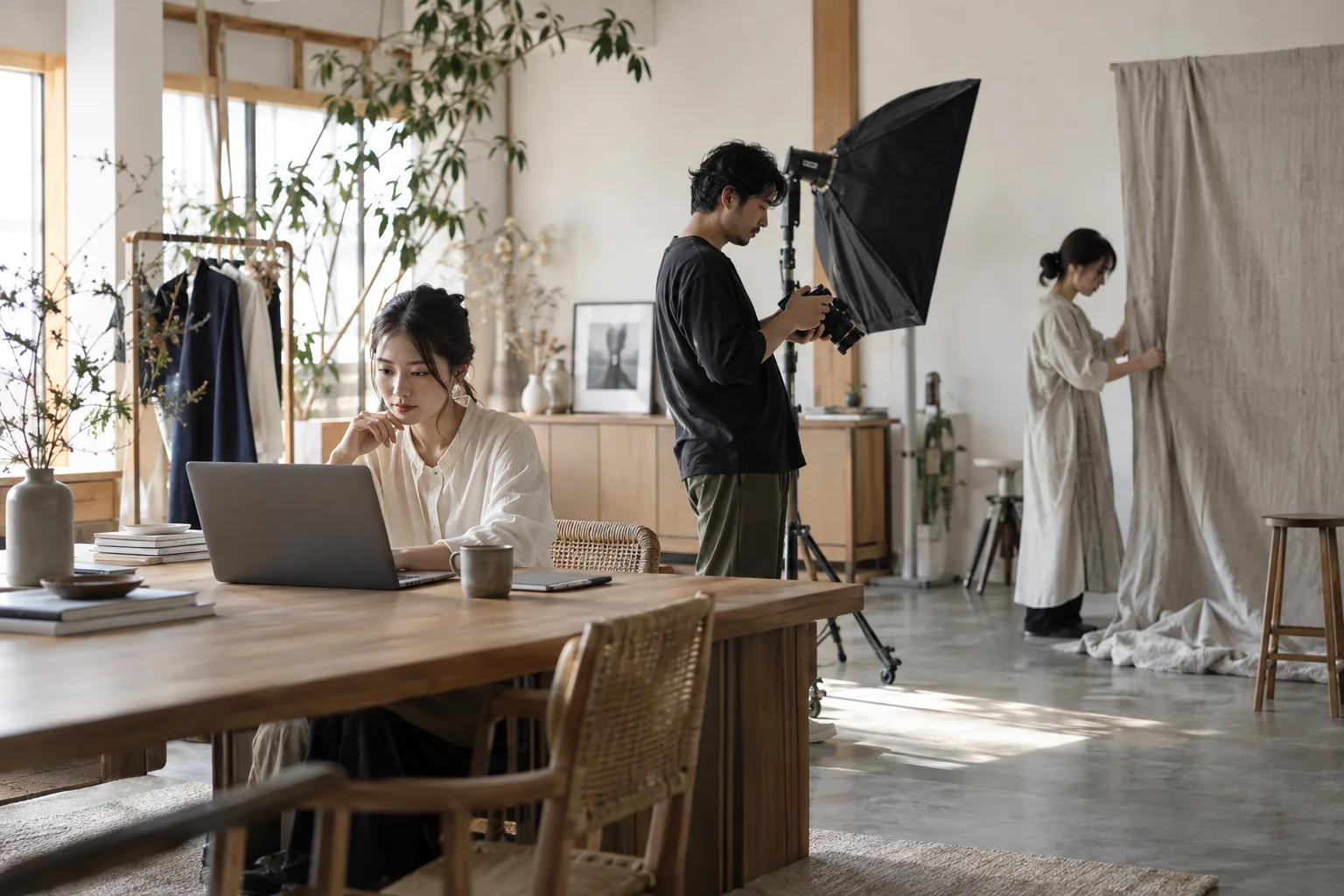
Conceptual scene of a photography team preparing a session and receptionPostal invitations & address labels for photo studiosIllustrative photograph
A moment from studio life.

Less time comparing lists. More care in the invitation.

Before Shichi-Go-San season, find children reaching ages three, five or seven. Prepare one letter for siblings or a named invitation for each child. Enclose your coupon, post the letters and keep a dispatch record with the family.

What this makes possible.
01

Find the right families from birth dates.

Choose calendar-year age or full age on the occasion date, with recorded postal permission. Exclude families with bookings in the occasion year and select each child individually.

02

Check their names. Print the labels.

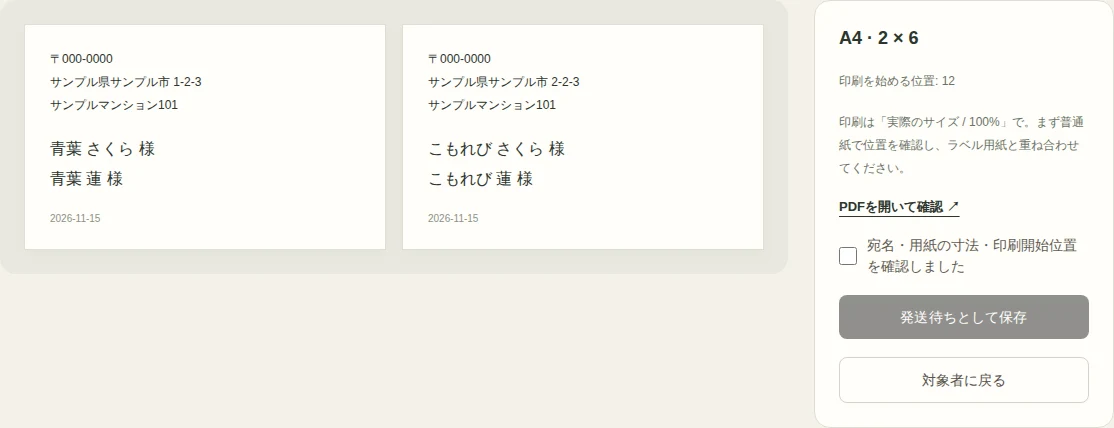
Choose one letter per family or child. Use generic 12-label, 24-label or custom A4 measurements and begin at an unused cell on a partly used sheet. Check the actual PDF before saving.

03

A reprint is not another dispatch.

Downloading again never marks a letter as posted. Record only the letters you dispatched. The same child, invitation and occasion cannot be prepared twice; cancel unposted letters to prepare them again.

See the product for yourself

Actual Japanese interface, captured in a disposable test studio using fictional records.

Postal invitations & address labels for photo studios — Actual Japanese admin screen with fictional family dataEnlarge the screen ↗
Make it part of your day.
  1. 01

    Choose the families

    Select saved age rules and an occasion year, then check postal permission and children.

  2. 02

    Review and print labels

    Choose grouping, addressee names, paper dimensions and a start cell. Review the PDF and save for dispatch.

  3. 03

    Record posting

    Pack and post your letters, then mark those dispatched. Review coupon references and postal history in each family record.

Capabilities and scope

Postal recipients, address labels & dispatch history
Select recipients by birth date and postal permission, create A4 family or child address-label PDFs and record dispatch after posting.
Questions & answers

Before you bring it to your studio.

Can I print on my existing label sheets?

Use horizontal text on A4, with generic 12-label and 24-label presets or custom dimensions. Check the packaging and test on plain paper at 100% scale. Compatibility with every manufacturer’s product is not guaranteed.

Can I address separate letters to each child?

Yes. Choose one letter per child or combine family members sharing an occasion date. Use selected children or the primary contact as addressees. Names print exactly as recorded.

Does it create and post postcards or coupons?

It creates address-label PDFs and records dispatch. The studio designs postcards or coupons, prints, packs and posts them. The coupon field keeps a reference to the enclosure.

Tsumira Foto · Founders Pilot

Make the next welcome feel like their studio.

Picture your own families, your team and your next appointment. Start exploring personal customer care in the Founders Pilot.

Join the Founders PilotPlatform access is expected to be free through June 2027.Browse all features →