Building the next chapter for photo studios in Japan. Join the pilot.Join for free
02 — Returning-family recognition for photo studios

Dad booked last time. Mum books this time. The same family story.
Recognise returning families through earlier booking names, relatives and session history. Optional visit questions and staff-confirmed links connect each new session to the right record.

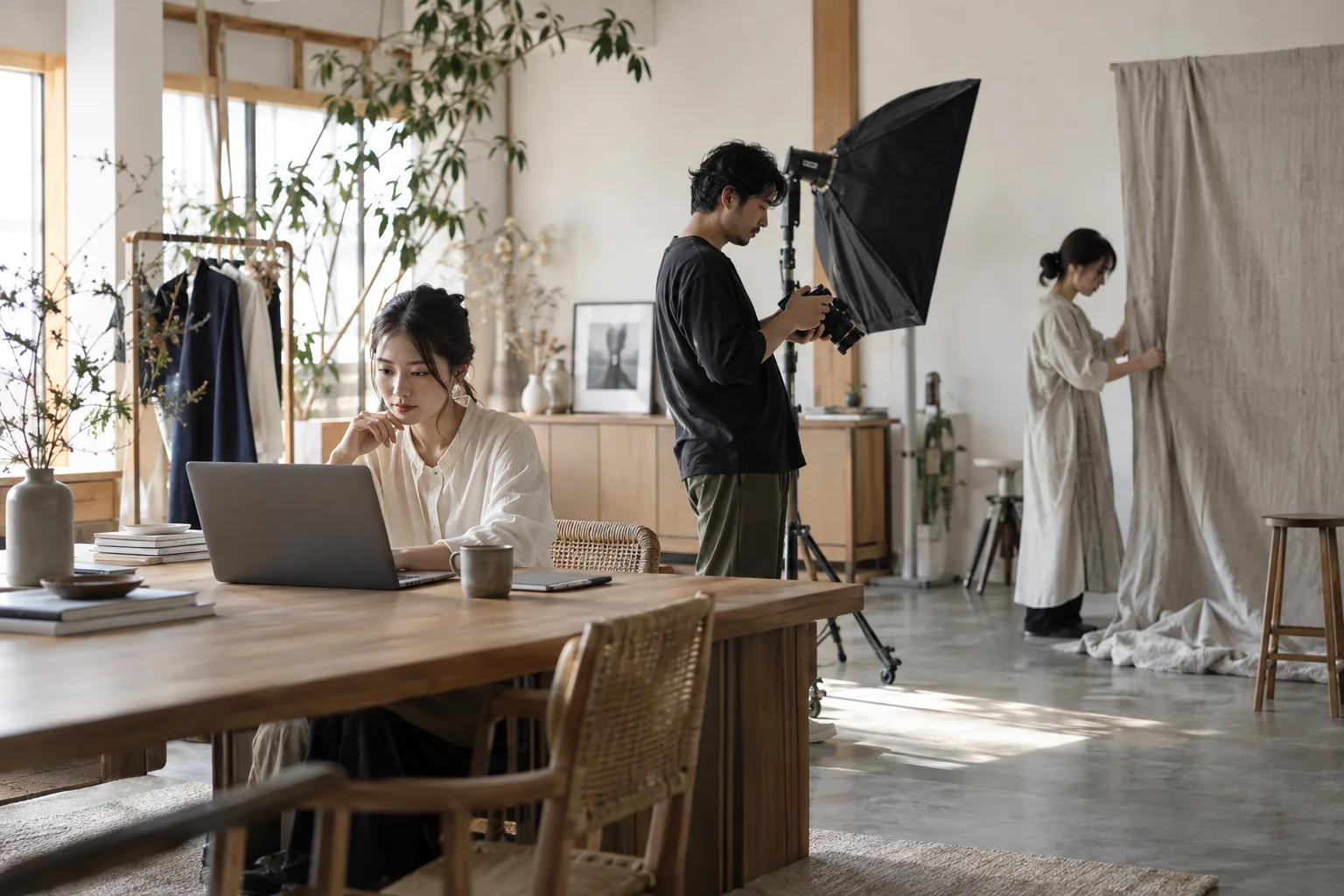
Conceptual scene of a photography team preparing a session and receptionReturning-family recognition for photo studiosIllustrative photograph
A moment from studio life.

Recall the previous visit before saying hello.

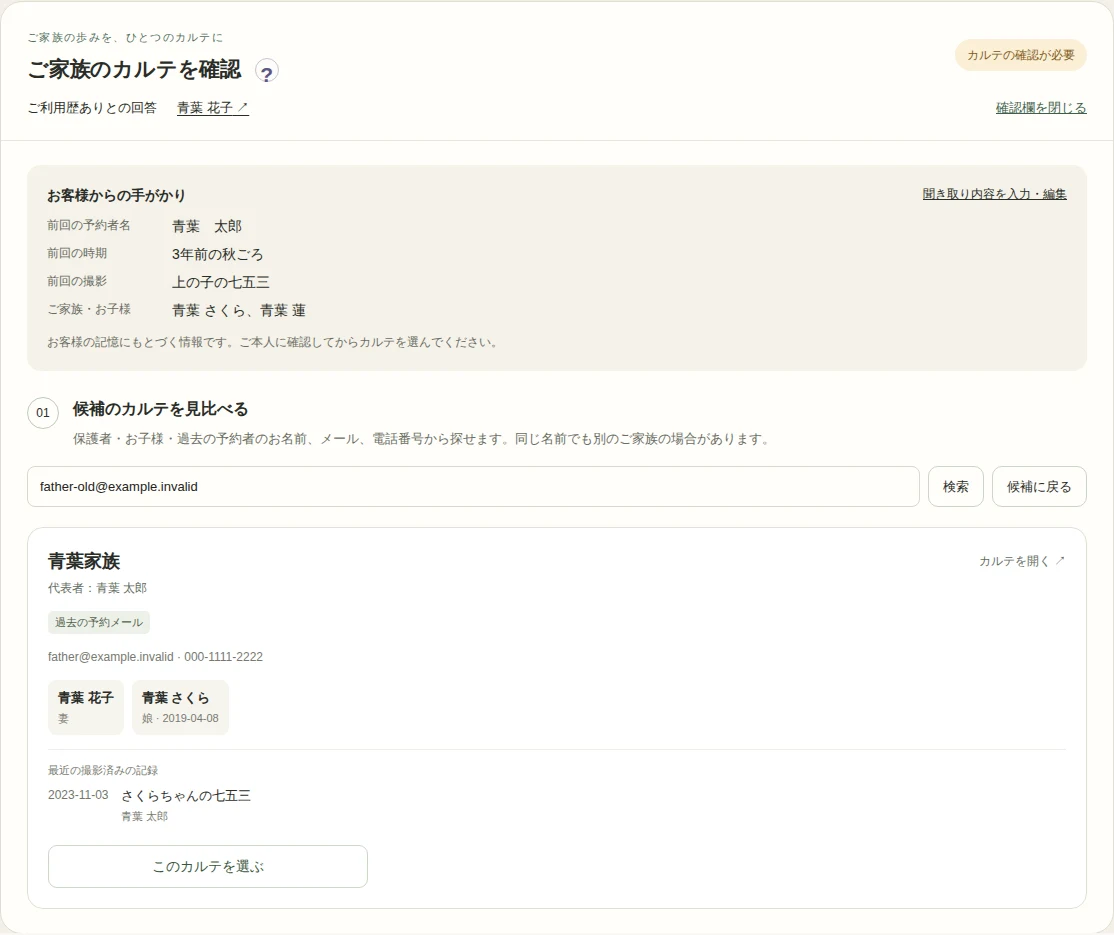
A mother books her younger child's Omiyamairi with a new email. Dad booked their eldest child's Shichi-Go-San. Their recollections help staff compare earlier records and link the new booking to the same family.

What this makes possible.
01

Only ask what they remember.

Optional first visit, returning visit and unsure answers. Customers can add the earlier booking name, approximate timing and occasion without having to remember every detail.

02

Look beyond current contact details.

Find records by relatives, previous booking names, emails and phone numbers. Compare family members with recent completed sessions.

03

A thoughtful link, confirmed by staff.

Confirm the family with the customer before linking this booking. Keep the primary contact and booking recipient intact while connecting family history, care notes and postal booking checks.

See the product for yourself

Actual Japanese interface, captured in a disposable test studio using fictional records.

Returning-family recognition for photo studios — Actual Japanese admin screen with fictional family dataEnlarge the screen ↗
Make it part of your day.
  1. 01

    Ask about earlier visits

    Customers answer optional online questions; staff can record answers from phone bookings.

  2. 02

    Review family records

    Open bookings marked Family review needed and compare relatives and previous sessions.

  3. 03

    Confirm and link

    Confirm the identity with the family and link the booking. Uncertain cases can stay unreviewed.

Capabilities and scope

Returning-family review
Collect optional visit clues, compare relatives and previous booking contacts, then confirm the family link.
Questions & answers

Before you bring it to your studio.

What if their phone or email changed?

Search relatives and names or contact details saved on earlier bookings. Staff use the recalled name and session details to confirm the right family.

Are families automatically merged?

No. Matching details provide suggestions. Linking requires an explicit staff confirmation and never merges separate customer records.

What if they cannot remember?

They can choose unsure. All details are optional, and a missing record never proves a first visit. Staff can confirm later.

Tsumira Foto · Founders Pilot

Make the next welcome feel like their studio.

Picture your own families, your team and your next appointment. Start exploring personal customer care in the Founders Pilot.

Join the Founders PilotPlatform access is expected to be free through June 2027.Browse all features →